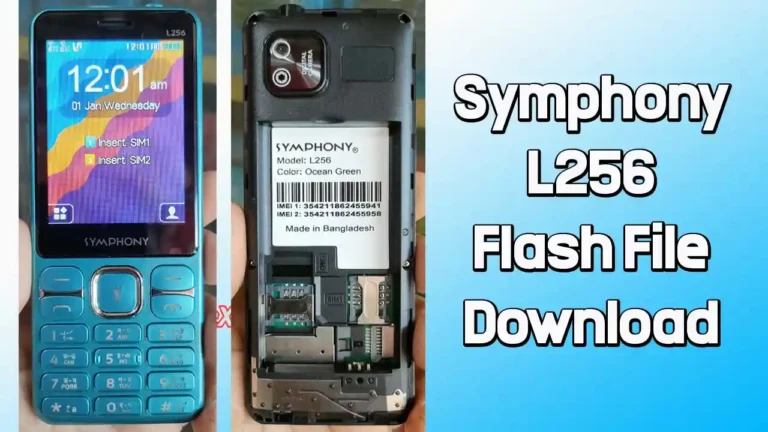
Symphony Helio 50 Flash File (Firmware) Free Download
If your Symphony Helio 50 is stuck on the boot logo, lagging badly, or not turning on properly, installing the correct firmware can solve the problem. This page gives you the official Symphony Helio 50 flash file (stock ROM) along with a simple, step-by-step guide to install it without confusion.
Whether you’re repairing a device or just refreshing the system, everything you need is here.

Download Symphony Helio 50 Flash File
Use the official download link below:
- Device Name: Symphony Helio 50
- Processor: MediaTek MT6768
- File Name: Symphony_Helio_50_MT6768_HW1_V16_241106.zip
- File Size: 2.75 GB
Download Link👉 Google Drive
How to Flash Symphony Helio 50 Firmware
Follow these steps carefully:
Step 1: Download and Extract
Download the firmware package and extract it on your PC.
Step 2: Install USB Driver
Install the included USB drivers.
(Skip if already installed.)
Step 3: Launch Flash Tool
Open the flash tool (usually SP Flash Tool for MediaTek devices).
Step 4: Load Scatter File
- Click on “Scatter-loading”
- Select the scatter file from the extracted firmware folder
Step 5: Connect Your Device
- Power off your phone
- Connect it to your PC using a USB cable
Step 6: Start Flashing
Click the Download button and wait for the process to complete.
Why You Need Symphony Helio 50 Firmware
Flashing the stock ROM is useful in many situations:
Fix Software Issues
- Bootloop or stuck on logo
- System crashes or freezing
- Update errors
Improve Performance
- Remove bugs and lag
- Fresh, clean installation
Recover the Device
- Fix dead boot (software-related)
- Remove malware or unwanted apps
- Repair IMEI issues (when applicable)
Important Notes Before Flashing
- 🔋 Charge your device at least 50%
- 💾 Backup important data
- 🔌 Use a reliable USB cable
- ⚠️ Do not disconnect the phone during flashing
Common Errors and Fixes
Device Not Detected
- Reinstall USB drivers
- Try another USB port
Flash Failed
- Check if firmware matches your model
- Reload scatter file properly
Stuck During Flash
- Restart the flash tool and try again
Conclusion
The Symphony Helio 50 flash file is essential for fixing serious software issues and restoring your phone to its original condition. With the official firmware and the right steps, you can safely repair your device at home or in a workshop.
Follow the instructions carefully, and your phone should be working smoothly again.