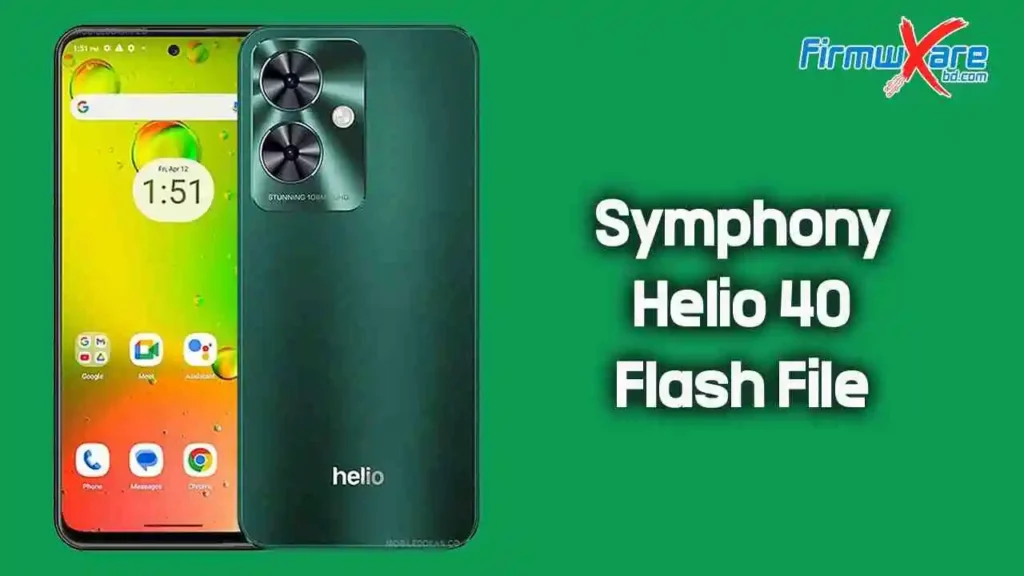
Symphony Helio 40 Flash File (Firmware) Free Download
If your Symphony Helio 40 is stuck on the logo, crashing frequently, or completely dead, installing the correct firmware can bring it back to life. This page offers the official Symphony Helio 40 flash file (stock ROM) along with everything you need to install it safely on your device.
Whether you’re trying to fix bugs or restore your phone to factory condition, this guide keeps things simple and practical.
Why You Might Need This Firmware
Flashing the stock ROM is useful in several real-world situations:
Fix Common Software Problems
- Bootloop or stuck on logo
- Apps crashing or freezing
- System errors after update
Restore Device Performance
- Remove lag or bugs
- Clean install for smoother performance
Repair Critical Issues
- IMEI repair (in some cases)
- Dead boot recovery
- Virus or malware removal
Download Symphony Helio 40 Flash File
You can download the official firmware from the link below:
- Device Name: Symphony Helio 40
- Processor: MediaTek MT6768
- File Name: Symphony_Helio_40_MT6768_HW1_V14_130225.zip
- File Size: 2.50 GB
Download Link👉 Google Drive
How to Flash Symphony Helio 40 Firmware
Follow these steps carefully to install the firmware:
Step 1: Extract the Firmware
Download and extract the ZIP file on your computer.
Step 2: Install USB Drivers
Install the provided USB drivers.
(Skip this if already installed.)
Step 3: Open Flash Tool
Run the included flash tool (usually SP Flash Tool for MediaTek devices).
Step 4: Load Scatter File
- Open the flash tool
- Click “Scatter-loading”
- Select the scatter file from the firmware folder
Step 5: Connect Your Device
- Power off your phone
- Connect it to the PC via USB
Step 6: Start Flashing
Click the Download button in the tool and wait until the process completes.
Important Tips Before Flashing
- 🔋 Charge your phone at least 50%
- 💾 Backup all important data (flashing will erase everything)
- 🔌 Use a good USB cable to avoid disconnection
- ⚠️ Do not interrupt the flashing process
Common Mistakes to Avoid
- Using the wrong firmware version
- Skipping driver installation
- Disconnecting the device during flashing
- Flashing with low battery
Avoiding these mistakes can save you from additional problems.
Conclusion
The Symphony Helio 40 flash file is essential if you’re dealing with software issues or want a fresh start on your device. With the official firmware, proper tools, and correct steps, you can safely restore your phone to working condition.
Take your time, follow each step carefully, and your device should be up and running again.
Related Article