Public FRP Tool v2.9.1 Latest Version Download [Credit Added]
Public FRP Tool v2.9.1 is a Windows-based FRP removal utility with dedicated sections for Xiaomi, Realme, Samsung, and Motorola devices. It supports ADB operations, chipset selection, bootloader unlock, and credit-based server activation — all from a single dashboard.

Public FRP Tool v2.9.1 Key Features
- Dedicated sections for Xiaomi, Realme, Samsung & Motorola
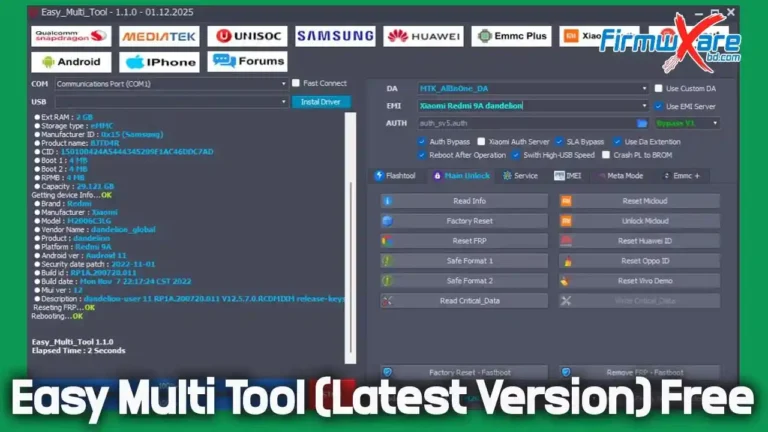
- Xiaomi Read Device Info & Remove FRP
- Xiaomi Permanent Bootloader Unlock (MTK)
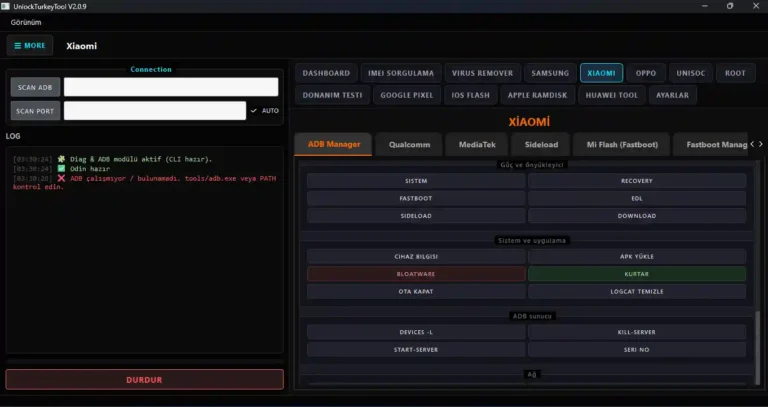
- Xiaomi Reboot to EDL & Enable ADB via QR
- Realme / OPLUS Qualcomm & MediaTek chipset support
- FORMAT USERDATA + FRP & Demo Remove (All OS)
- Samsung Read Info via Download Mode
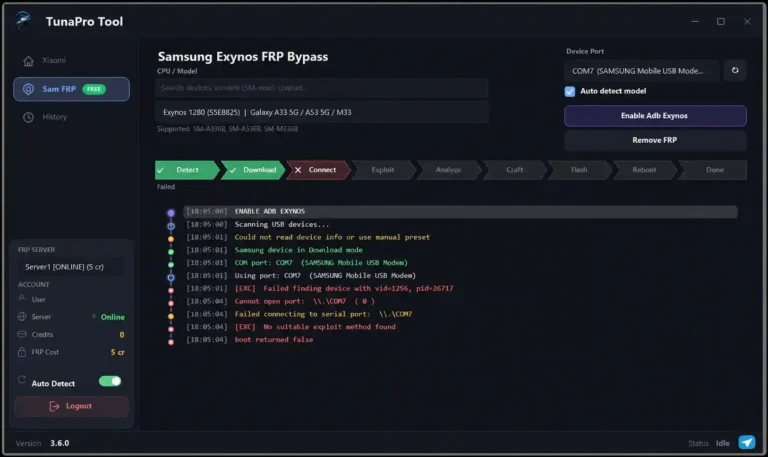
- Samsung Remove FRP Exynos Android 15–16
- Samsung Enable ADB via MTP Mode & QR
- Motorola Permanent MTK Bootloader Unlock via Fastboot
- Motorola Browse LK File, Patch + Remove FRP
- Hardware ID based license registration
- Server status, device status & credit display
- STOP ALL OPERATIONS option
What’s New in v2.9.1
- Added Motorola permanent MediaTek bootloader unlock via fastboot (46 models from Edge, G & Razr series — free for limited time)
- Added Xiaomi permanent MTK bootloader unlock (18 models — free for limited time)
- Xiaomi 13/15 series, Redmi K series, POCO F7 series & Xiaomi Pad series added
- New confirmed Xiaomi models: Xiaomi 17 (Pudding), 17 Pro (Pandora), 17 Ultra (Nezha), 17 Pro Max (Popsicle), Redmi K90 Pro Max (Myron)
- Bug fixes and stability improvements
- Update can be installed from inside the app
Supported Functions
| Function | Description |
|---|---|
| Xiaomi FRP Remove | Remove FRP lock on Xiaomi/Redmi/POCO devices |
| Xiaomi Bootloader Unlock | Permanent MTK bootloader unlock for Xiaomi devices |
| Realme FRP Remove | FRP via Qualcomm & MediaTek chipset sections |
| Samsung FRP Remove | Exynos FRP removal for Android 15–16 |
| Motorola Bootloader Unlock | Permanent MTK unlock via fastboot for 46 models |
| ADB Enable | Enable ADB via QR or MTP Mode |
Supported Xiaomi / Redmi / POCO Models
- Redmi K90
- Redmi K90 Ultra
- Xiaomi 15
- Xiaomi 15 Pro
- Xiaomi 15 Ultra
- Xiaomi Pad 8
- Xiaomi Pad 8 Pro
- POCO F7
- POCO F7 Pro
Supported Realme / OnePlus Qualcomm Models
- OnePlus Nord CE 3 Lite 5G: CPH2465
- Realme GT 5G: RMX2202 India / Global
- Realme 14 5G: RMX5070 Global / India
- Realme GT 6T: RMX3853 India
- Realme GT 6 Neo: RMX3850 India
- Realme GT 7 Pro: RMX5010
- Realme P2 Pro 5G: RMX3987 India
- Realme GT Master Edition 5G: RMX3360 India / RMX3363 Global
- Realme GT Neo 3T: RMX3371 India
- Realme 9 Pro+ 5G: RMX3392 India
- Realme 13 Pro+ 5G: RMX3921 India
- Realme 13 Pro 5G: RMX3989 India
- Realme P4 Pro 5G: RMX5110 India
- Realme P4 5G: RMX5118 India
- Realme GT 8 Pro Dream Edition 5G: RMX5210 India / BD
- Realme C85 Pro 5G: RMX5030 BD
- Realme 16 Pro+ 5G: RMX5111 India
Supported Realme MediaTek Models
- Auto Detect / Auto Detect MT6897 / MT6877 / MT6877 v2 / MT6877 v3
- MT6835 Dimensity 6100 Turbo
- MT6855 Dimensity 930
- MT6878 Dimensity 7050 Ultra
- MT6899 Dimensity 9400 / 9400+
- Realme 9i 5G RMX3612 India
- Realme Narzo 70 Pro 5G RMX3868
- Realme 14 5G RMX5075
- Realme GT 7 Dream Edition RMX5011
- Realme GT 7T RMX5003
- Realme C71 5G RMX5008
- Realme P4 Power RMX5187
- Realme C65 4G RMX3890
Download Public FRP Tool v2.9.1
- File Name: PublicFrpTool2.9.1.rar
- Version: v2.9.1
- License: Free (Credit Based)
- File Size: 51 MB
- Password: gsmyogesh.com
How to Install & Activate Public FRP Tool v2.9.1
- Download the PublicFrpTool2.9.1.rar file and save it to your desktop.
- Extract using WinRAR — when prompted, enter the password gsmyogesh.com.
- If Windows Security removes any files, re-extract the RAR after handling the detection and click Yes to All when prompted to overwrite.
- Open the extracted folder and right-click
Load.exe→ Run as Administrator. - In the loader, click Copy Hardware ID.
- Click GET ACTIVATION KEY — the key generation webpage will open in your browser.
- Find Generate 10 Days Free Activation Key, paste your HWID and click GENERATE KEY NOW.
- Copy the generated key, return to the loader and paste it into Paste License Token.
- Click REGISTER LICENSE — wait for the Success message.
- The login window will open — enter your username and password, tick Remember Me if needed, and click LOGIN.
- The main dashboard will open with all brand sections ready to use.
Conclusion
Public FRP Tool v2.9.1 is a powerful all-in-one FRP removal and bootloader unlock solution for mobile repair technicians. With dedicated sections for Xiaomi, Realme, Samsung, and Motorola — plus support for both Qualcomm and MediaTek chipsets — it covers a wide range of devices in a single tool. The addition of permanent bootloader unlock for Xiaomi MTK and Motorola models (free for a limited time) makes this update especially valuable. Download it now and add it to your repair toolkit.
Credits: All credits go to the Public FRP Tool Team and Yogesh Joshi for developing and sharing this tool. Disclaimer: For educational purposes only. Use responsibly. We are not liable for any device damage.