Infinix Smart 20 X6840C Flash File (Firmware) Download Free
Looking for the official Infinix Smart 20 X6840C flash file? You’re in the right place. This page provides the free stock firmware (ROM) download for the Infinix Smart 20 (model X6840C), along with a complete step-by-step flashing guide. Whether your device is stuck in a boot loop, facing an IMEI issue, bricked after a bad flash, or locked with FRP — flashing the stock ROM can resolve most of these problems quickly.
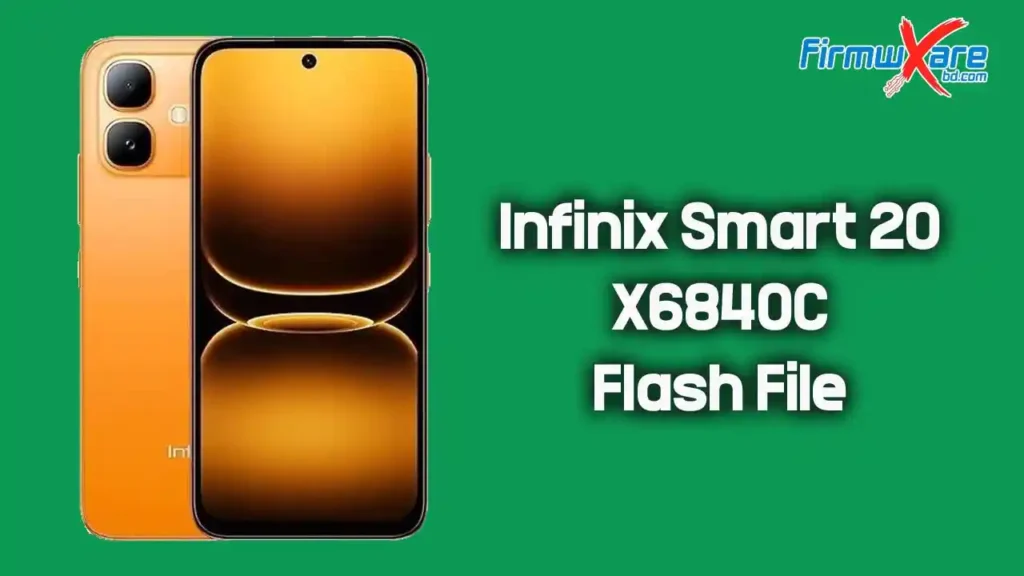
Infinix Smart 20 X6840C Firmware Details
- Model: Infinix Smart 20
- Codename: X6840C
- File Name: Infinix_Smart_20_X6840C_MT6768_16.3.0.155SP07_OP007PL001AZ.zip
- Chipset (SoC): MediaTek MT6768
- File Size: 5.7 GB
- Flash Tool: SP Flash Tool
- Password: No Password Required
What Problems Can Flashing Fix on Infinix Smart 20 X6840C?
Flashing the stock firmware on your Infinix Smart 20 X6840C can resolve a wide range of software issues, including:
- Device stuck on logo or boot loop
- FRP (Factory Reset Protection) lock bypass
- IMEI or network-related issues
- Dead device recovery
- White or blank screen after flashing
- Upgrading or downgrading Android version
- Lag, freezing, or performance issues
- Unrooting the device to fix system bugs
- Restoring factory warranty status
Tools and Files Required Before Flashing
Before starting the flashing process, make sure you have everything listed below ready on your PC:
- A Windows or Linux PC/laptop
- A good-quality USB data cable
- MediaTek USB VCOM Drivers (included in the firmware package)
- SP Flash Tool
- Infinix Smart 20 X6840C firmware file (downloaded above)
- Full data backup (flashing will erase all personal data)
- Device battery charged to at least 50%
How to Flash Infinix Smart 20 X6840C Using SP Flash Tool
Follow the steps below carefully to flash your Infinix Smart 20 X6840C. Do not disconnect the device or close any tool during the flashing process.
Step 1: Download and Extract the Firmware Package
Download the firmware ZIP file using the link above. Once downloaded, extract it using WinRAR or 7-Zip. Inside the extracted folder, you will find the firmware files, SP Flash Tool, USB driver, and a How-to Flash guide.
Step 2: Install the USB Driver
Install the MediaTek USB VCOM driver included in the package. This allows your PC to detect the device properly during flashing. If you have already installed it previously, skip this step. Restart your PC after installation to apply changes.
Step 3: Open SP Flash Tool and Load the Scatter File
Launch SP Flash Tool as administrator. Navigate to the Download tab, click Choose (or Scatter-loading File), and select the scatter file (named MT6768_Android_scatter.txt or similar) from the extracted firmware folder.
Step 4: Power Off Your Device
Completely power off the Infinix Smart 20 X6840C. Do not enter recovery or fastboot mode — just turn the device fully off before connecting it to the PC.
Step 5: Click Download and Connect the Device
Click the Download button in SP Flash Tool, then connect your powered-off device to the PC via USB cable. The tool will automatically detect the device and begin flashing the firmware.
Step 6: Wait for Flashing to Complete
A green circle or checkmark will appear once the flashing process is complete. Do not interrupt the process or disconnect the device until you see this confirmation screen.
Step 7: Disconnect and Boot the Device
Disconnect the device from the PC and power it on. The first boot may take 3–5 minutes — this is completely normal after a fresh firmware flash.
Important Notes Before You Flash
- Always use the firmware version that exactly matches your device model (X6840C). Using incorrect firmware can permanently brick your device.
- Take a full backup of your data before flashing — all personal files, contacts, and apps will be erased.
- The firmware package has been scanned for viruses and malware using Malwarebytes. You can use Malwarebytes to scan your downloaded files as well.
- If the device does not boot after flashing, perform a factory reset through recovery mode.
- If you encounter errors during flashing, refer to the How-to Flash guide included in the package or visit your device support forum.
- If you are unsure about any step, seek assistance from a professional technician.
Disclaimer: Flashing firmware carries risk. This guide is for informational purposes only. We are not responsible for any damage, data loss, or device issues resulting from the flashing process. Proceed at your own risk.
Conclusion
The Infinix Smart 20 X6840C flash file provided here is the official stock firmware, available for free without any password. Whether you are fixing a bricked device, bypassing FRP, resolving an IMEI issue, or dealing with a persistent boot loop, this firmware combined with the SP Flash Tool should restore your device to full working condition. Always back up your data before flashing and make sure you are using the correct firmware for the X6840C model.
If you run into any issues during the flashing process, feel free to leave a comment below or reach out via Facebook. We are happy to help!

