Infinix Note 60 Pro 5G X6878 Flash File (Firmware) Free Download
If your Infinix Note 60 Pro 5G X6878 is stuck on the logo, not turning on, or facing software-related issues, installing the official stock firmware can solve the problem. This page provides the official flash file along with a complete installation guide to help you safely restore your device.
Flashing the firmware is one of the most effective ways to fix serious software issues and bring your phone back to life.
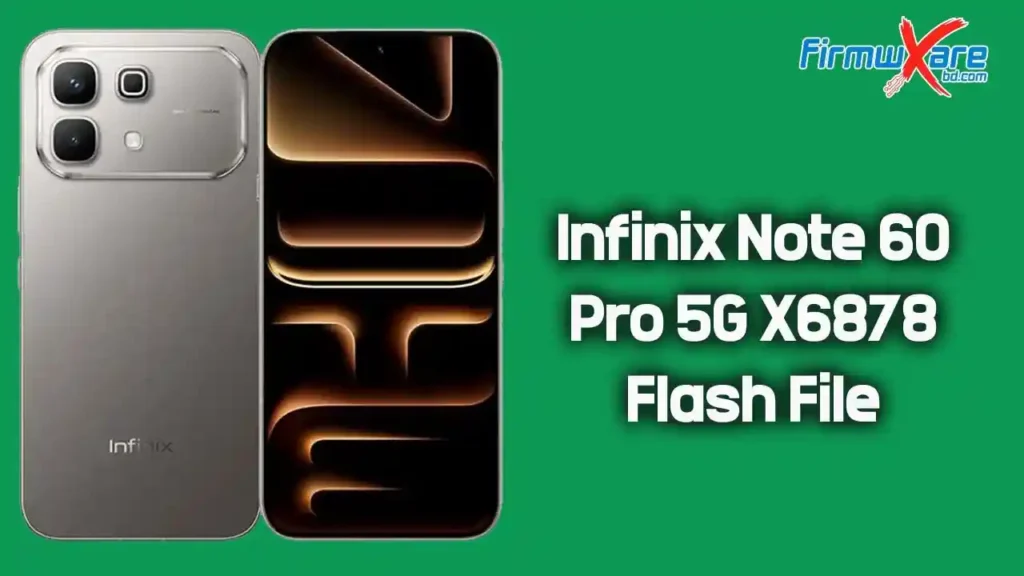
Infinix Note 60 Pro 5G X6878 Stock Firmware (Flash File)
The stock firmware allows you to upgrade, downgrade, or reinstall the operating system on your device. It also helps fix:
- Bootloop issue
- Device stuck on startup screen
- IMEI or network problems
- System crashes or freezing
- Dead device after failed flashing
- Software bugs or corruption
Using official firmware ensures stability, performance, and security.
Why Flash Infinix Note 60 Pro 5G X6878 Firmware?
Flashing the stock firmware is useful if your device is facing issues such as:
- Phone stuck on logo or bootloop
- Frequent app crashes
- Slow or lagging performance
- Malware or unwanted apps
- Failed software updates
Reinstalling the firmware restores the device to its original working condition.
📥 Infinix Note 60 Pro 5G X6878 Firmware Download
- Device Name: Infinix Note 60 Pro 5G X6878
- File Name: Infinix_Note_60_Pro_5G_X6878_16.1.0.135SP10_IN001PF001AZ_Indian_Market_060226_QFIL.zip
- File Size: 9.45 GB
- Processor: Qualcomm
🔗 Download Link:
👉 Download Infinix Note 60 Pro 5G X6878 Flash File
⚙️ Pre-Requisites Before Flashing
Before you begin, ensure the following:
- Charge your phone at least 50%.
- Backup all important data (flashing will erase everything).
- Use a high-quality USB cable.
- Install Qualcomm USB Drivers on your computer.
- Download QFIL (Qualcomm Flash Tool).
- Extract the firmware package properly.
⚠️ Flashing will delete all data from your device.
🔧 How to Install Stock Firmware on Infinix Note 60 Pro 5G X6878
Follow the steps below carefully:
Step 1: Download and Extract Firmware
Download the firmware package and extract it on your computer.
Step 2: Install USB Driver
Install Qualcomm USB Driver. Skip if already installed.
Step 3: Open QFIL Tool
Launch QFIL (Qualcomm Flash Image Loader) on your PC.
Step 4: Load Firmware Files
- Select Flat Build
- Load the prog_emmc_firehose file
- Add XML files (rawprogram & patch)
Step 5: Enter EDL Mode
Turn off your device and boot it into EDL (Emergency Download Mode).
Step 6: Start Flashing
Click on Download in QFIL.
The flashing process will begin. Wait until it completes successfully.
Step 7: Reboot Device
Disconnect your phone and power it on. The first boot may take a few minutes.
Important Notes
- Always use the correct firmware for X6878 model only.
- Do not disconnect the device during flashing.
- If flashing fails, reinstall drivers and try again.
- Always backup your data before flashing.
✅ Conclusion
The Infinix Note 60 Pro 5G X6878 Flash File (16.1.0.135SP10) is the official firmware designed to fix software errors, bootloop problems, and dead device issues. By using the correct Qualcomm flashing method, you can safely restore your smartphone to its original condition.
Download the firmware from the link above and follow the guide carefully to successfully flash your Infinix Note 60 Pro 5G X6878 device.