Oppo A6c CPH2895 Flash File (Firmware) Free Download
If your Oppo A6c CPH2895 is stuck on the logo, not turning on, or facing software problems, flashing the official stock firmware is the best solution. On this page, you can download the Oppo A6c CPH2895 flash file (firmware) along with a complete flashing guide to restore your device to its original working condition.
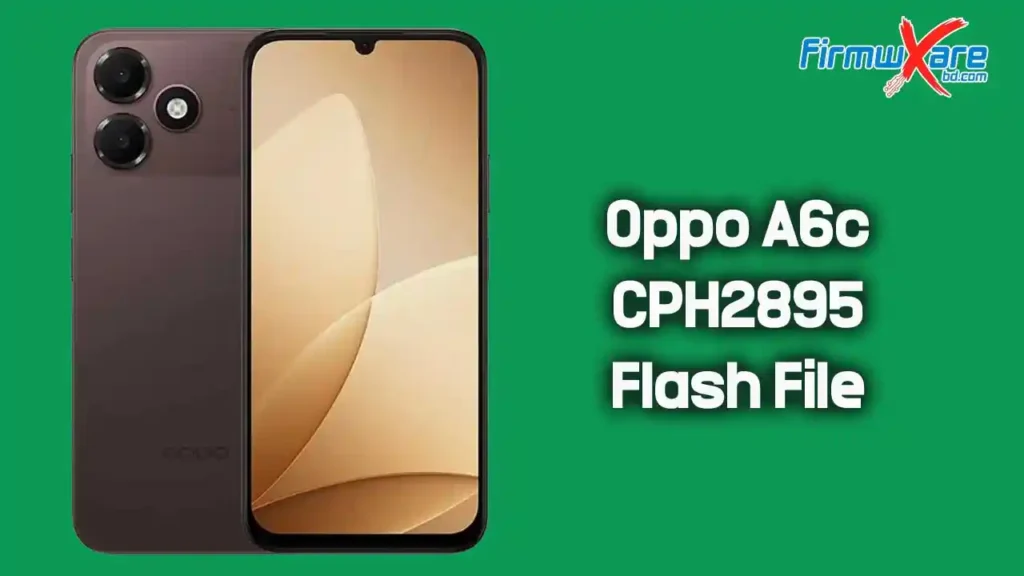
Download Oppo A6c CPH2895 Firmware
- Device Model: Oppo A6c CPH2895
- File Name:
Oppo_A6c_CPH2895_EX_16_A.54_260508_SPD.zip - File Size: 19.28 GB
- Chipset: Spreadtrum (SPD)
Download 👉 Google Drive
What’s Inside the Firmware Package
After extracting the firmware zip, you will find:
- Stock Firmware (Flash File)
- SPD Flash Tool
- USB Driver
- How-to Flash Guide
Everything needed for flashing is included in the package.
When Should You Flash Oppo A6c CPH2895 Firmware?
You should install this firmware if your Oppo A6c CPH2895 has:
- Bootloop or stuck on the Oppo logo
- Dead or not powering on
- IMEI or network issues
- System lag or frequent crashes
- Pattern or password lock
- Software errors after an update
- Virus or malware issues
How to Flash Oppo A6c CPH2895 Firmware
Required Tools Before You Start
Make sure you have everything ready before flashing:
- Download SPD Flash Tool — required to flash SPD chipset devices
- Download USB Driver — required for your PC to detect the device
- A Windows PC, original USB cable, and at least 50% battery on your phone
Flashing Steps
Follow these steps carefully:
- Download and extract the Oppo A6c CPH2895 firmware package on your computer
- After extracting, you will get the Flash File, Flash Tool, USB Driver, and Flashing Guide
- Install the USB Driver on your computer (skip if already installed)
- Open SPD Flash Tool on your PC
- Load the firmware file inside the tool
- Power off your phone completely
- Connect your device to the PC via USB cable
- The flashing process will start automatically
- Wait until it shows a success message
- Disconnect your phone and power it on
Important Tips Before Flashing
- Charge your phone to at least 50% before starting
- Back up all important data — flashing will erase everything
- Use the original USB cable for a stable connection
- Do not disconnect your phone during the flashing process
- Make sure the firmware matches your exact device model
- This firmware has been scanned and is free from viruses and malware
Why Use Official Stock Firmware for Oppo A6c CPH2895?
- 100% safe and original — no modifications
- Fixes all major software problems
- Restores original system performance
- Removes viruses, malware, and unwanted apps
- Fully compatible with your Oppo A6c CPH2895
Related Downloads You May Need
Conclusion
The official stock firmware for the Oppo A6c CPH2895 is the safest and most reliable way to fix software-related issues and bring your device back to normal. Download the flash file from the links above, follow the flashing steps carefully, and your phone will be restored to its original condition in no time.