Samsung Galaxy M36 SM-M366B Flash File (Firmware) Free Download
If your Samsung Galaxy M36 5G SM-M366B is stuck on the logo, experiencing software issues, or not working properly, flashing the official stock firmware is the most reliable solution.
On this page, you can download the Samsung SM-M366B firmware (flash file) along with a complete step-by-step flashing guide to restore your device to its original factory state.
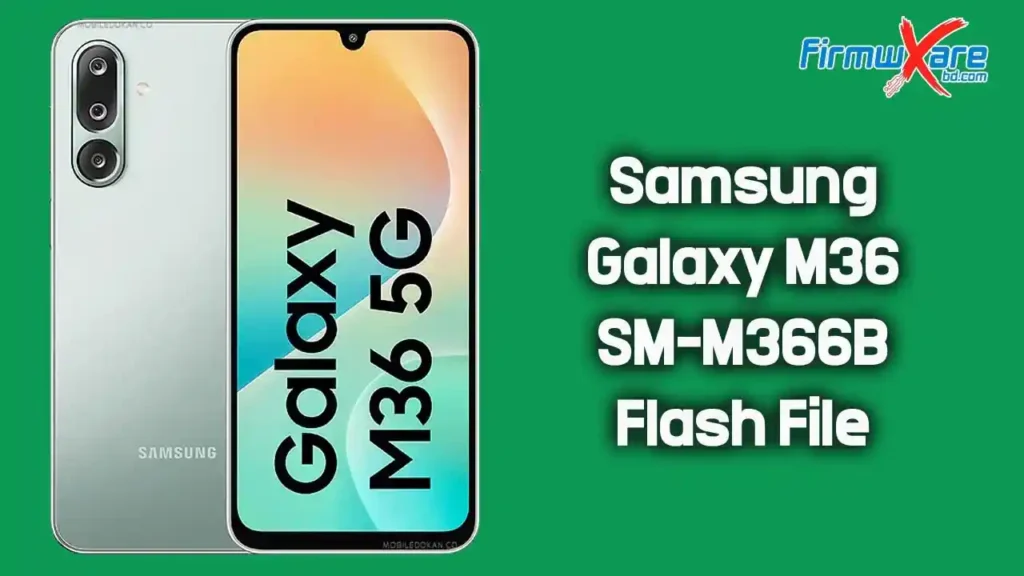
Download Samsung Galaxy M36 SM-M366B Firmware
- Device Model: Samsung Galaxy M36 5G SM-M366B
- File Name: SM-M366B_M366BXXS5BZB3_M366BODM5BZB3_NPB_4file.zip
- Country: Nepal
- File Size: 9 GB
- Android Version: 16
Download Link👉 Google Drive
What’s Inside the Firmware Package
After extracting the firmware, you will find:
- BL File (Bootloader)
- AP File (System & Recovery)
- CP File (Modem/Baseband)
- CSC File (Country/Region Settings)
- Odin Flash Tool
- USB Driver
- How-to Flash Guide
When Should You Flash This Firmware?
You should flash this firmware if your device has:
- Bootloop (stuck on Samsung logo)
- Software crash or lag
- IMEI or network issues
- Dead phone (software-related)
- FRP lock or pattern lock issues
- Failed system updates
How to Flash Samsung Galaxy M36 SM-M366B Firmware
Follow these steps carefully:
- Download and extract the firmware on your computer
- Install Samsung USB Driver
- Open Odin Flash Tool
- Boot your phone into Download Mode
- Power off → Hold Volume Down + Power or Volume Up + Down + USB
- Connect your device to the PC
- Load firmware files in Odin:
- BL → BL file
- AP → AP file
- CP → CP file
- CSC → CSC file
- Click Start to begin flashing
- Wait until you see PASS message
- Your device will reboot automatically
Important Tips Before Flashing
- Charge your phone at least 50%
- Backup all important data
- Use original USB cable
- Do not disconnect during flashing
- Make sure firmware matches your model number
Why Use Official Samsung Firmware?
- Safe and secure
- No bugs or unwanted apps
- Fully compatible with your device
- Restores original system performance
- Helps fix serious software issues
Conclusion
The Samsung Galaxy M36 SM-M366B firmware is the best solution to repair software-related problems and restore your device. By following the correct steps, you can safely flash your phone and bring it back to normal condition.