Samsung Galaxy A07 SM-A076B Flash File (Firmware) Free Download
If your Samsung Galaxy A07 SM-A076B is stuck on the logo, lagging, or not functioning properly, installing the official stock firmware is the most effective solution.
On this page, you can download the Samsung SM-A076B firmware (flash file) along with a complete flashing guide. This will help you restore your phone to its original factory condition.
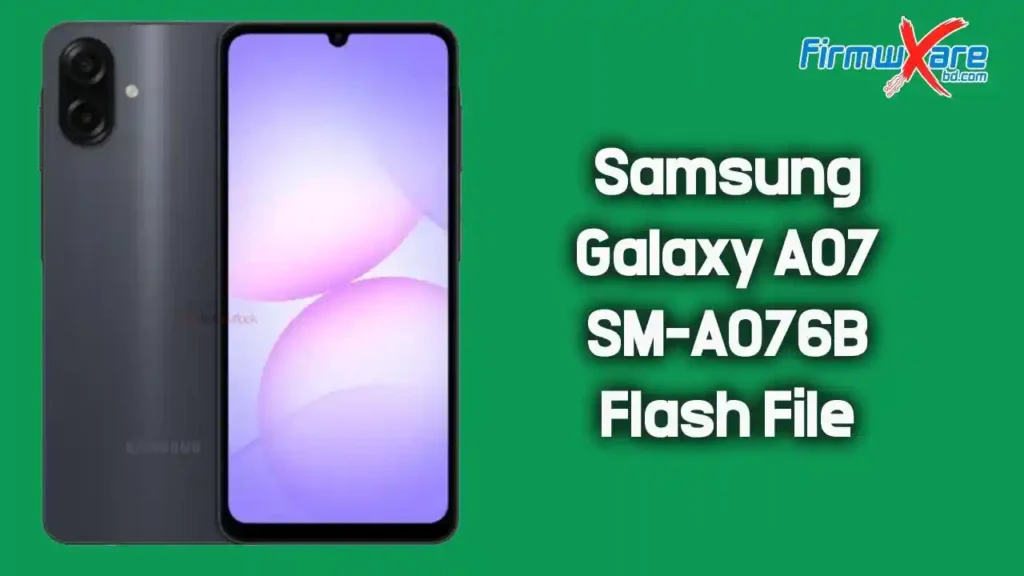
Download Samsung Galaxy A07 SM-A076B Firmware
- Device Model: Samsung Galaxy A07 SM-A076B
- File Name: SM-A076B_A076BXXS3AZB4_A076BOLM3AZB4_XXV_4file.zip
- Country: Vietnam
- File Size: 6.63 GB
- Android Version: 16
Download Link👉 Google Drive
What’s Inside the Firmware Package
After extracting the firmware, you will find:
- BL File (Bootloader)
- AP File (System & Recovery)
- CP File (Modem/Baseband)
- CSC File (Country/Region Settings)
- Flash Tool (Odin)
- USB Driver
- How-to Flash Guide
When Should You Flash This Firmware?
You should flash this firmware if your device has:
- Bootloop (stuck on Samsung logo)
- Software crash or lag
- IMEI or network issues
- Dead phone (software-related)
- Pattern or FRP lock issues
- Failed system updates
How to Flash Samsung Galaxy A07 SM-A076B Firmware
Follow these steps carefully:
- Download and extract the firmware on your computer
- Install Samsung USB Driver
- Open Odin Flash Tool
- Boot your phone into Download Mode
- Power off → Hold Volume Down + Power (or Volume Up + Down + USB)
- Connect the phone to PC
- Load firmware files in Odin:
- BL → BL file
- AP → AP file
- CP → CP file
- CSC → CSC file
- Click Start to begin flashing
- Wait until the process completes (PASS message)
- Device will reboot automatically
Important Tips Before Flashing
- Charge your phone at least 50%
- Backup all important data
- Use original USB cable
- Do not disconnect during flashing
- Use the correct firmware version for your model
Why Use Official Samsung Firmware?
- Safe and secure
- No malware or modifications
- Ensures full compatibility
- Fixes major software issues
- Restores original performance
Conclusion
The Samsung Galaxy A07 SM-A076B firmware is the best solution for fixing software-related issues and restoring your device. With the correct steps, you can safely flash your phone and bring it back to stable condition.