Qualcomm USB Driver (HS-USB QDLoader 9008) Latest Version Free
Qualcomm USB Driver (HS-USB QDLoader 9008) is an essential Windows driver that allows you to connect Qualcomm-powered Android smartphones and tablets to your PC. It enables firmware flashing, FRP removal, and screen lock bypass — without requiring any PC Suite installation.
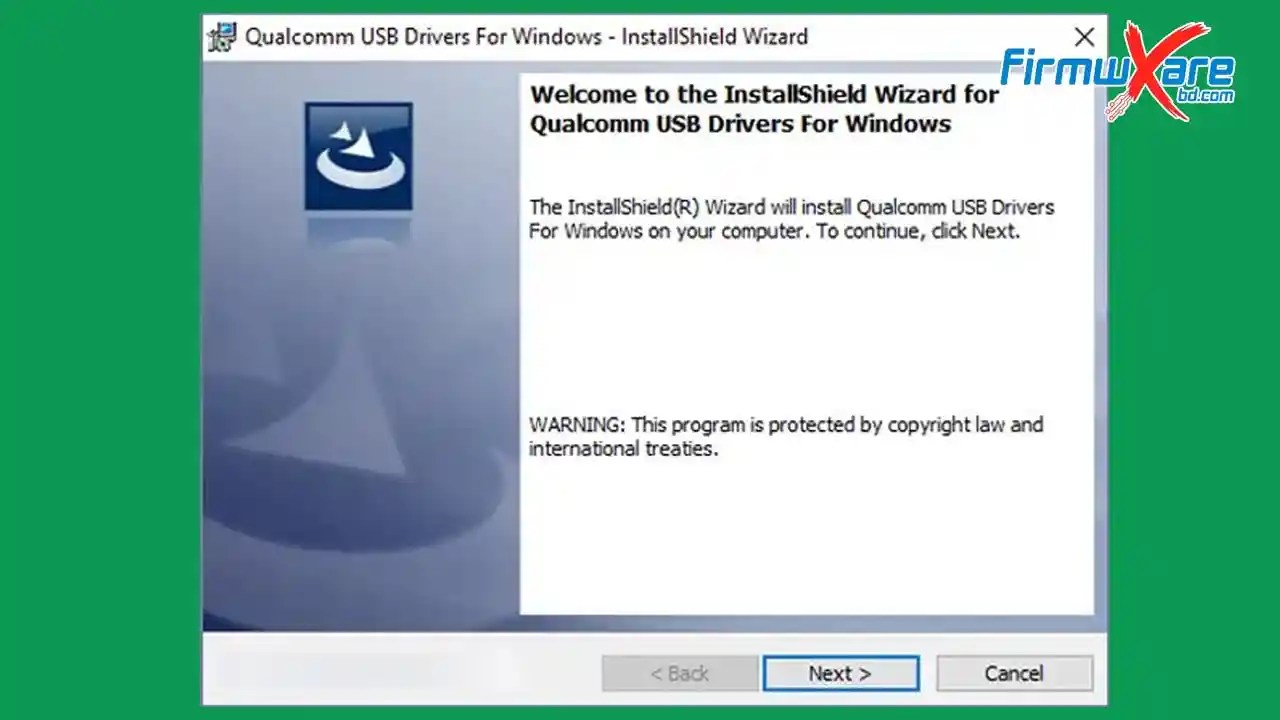
Qualcomm USB Driver Key Features
- Connect Qualcomm devices to PC without PC Suite
- Flash stock ROM on Qualcomm smartphones and tablets
- Remove FRP and screen lock on supported devices
- Supports EDL (Emergency Download) Mode — QDLoader 9008
- Compatible with Windows x86 and x64
- Works with QFIL Tool, QPST Tool & Xiaomi Flash Tool
- Free and officially distributed by Qualcomm Technologies, Inc.
- Virus-free — scanned with Kaspersky Antivirus before upload
Download Qualcomm USB Driver (Latest Version)
- File Name: Qualcomm_USB_Driver_v1.0.10065.1.zip
- Version: v1.0.10065.1 (Latest)
- File Size: 21 MB
- Platform: Windows (x86 / x64)
- License: Free
- Password: No Password
Old Versions
| Version | Mirror 1 (Direct) | Mirror 2 (G Drive) |
|---|---|---|
| v1.0.10061.1 | Direct | G Drive |
| v1.0.10057.4 | Direct | G Drive |
| v1.0.10044.7 | Direct | G Drive |
| v1.0.10040.5 | Direct | G Drive |
| v1.0.10039.2 | Direct | G Drive |
| v1.0.10037.3 | Direct | G Drive |
| v1.0.10036.7 | Direct | G Drive |
| v1.0.10034.1 | Direct | G Drive |
| v1.0.10025.0 | Direct | G Drive |
| v1.0.10014.0 | Direct | G Drive |
How to Install Qualcomm USB Driver
- Download the Qualcomm USB Driver from the link above.
- Extract the ZIP file using WinRAR or 7-Zip.
- After extraction, you will see the driver file inside the folder.
- Right-click on the driver and select Install.
- Click Next and follow the on-screen instructions.
- Click I Accept → then click Next.
- Click Finish to complete the installation.
Conclusion
Qualcomm USB Driver (HS-USB QDLoader 9008) is a must-have driver for anyone working with Qualcomm-powered Android devices. Whether you are flashing firmware with QFIL or QPST, removing FRP, or accessing EDL mode for unbricking, this driver makes the PC connection possible. It is free, lightweight, and officially developed by Qualcomm Technologies, Inc. Download the latest version now and keep it ready in your repair toolkit.
Credits: All credits go to Qualcomm Technologies, Inc. for developing and distributing this driver for free. Disclaimer: For educational purposes only. Use responsibly. We are not liable for any device damage.


